

CBSE Class 12 Results 2026 Declared: Step-By-Step Guide To Download Marksheet
The Central Board of Secondary Education has declared the CBSE Class 12 Results 2026 today, bringing an end to the anxious wait for lakhs of students across the country. Whether you are planning for college admissions, entrance exams or simply eager to know your scores, downloading your marksheet is the first step.

Before checking your result, keep these details handy: Roll Number, School Number, Admit Card ID, and Date of Birth.
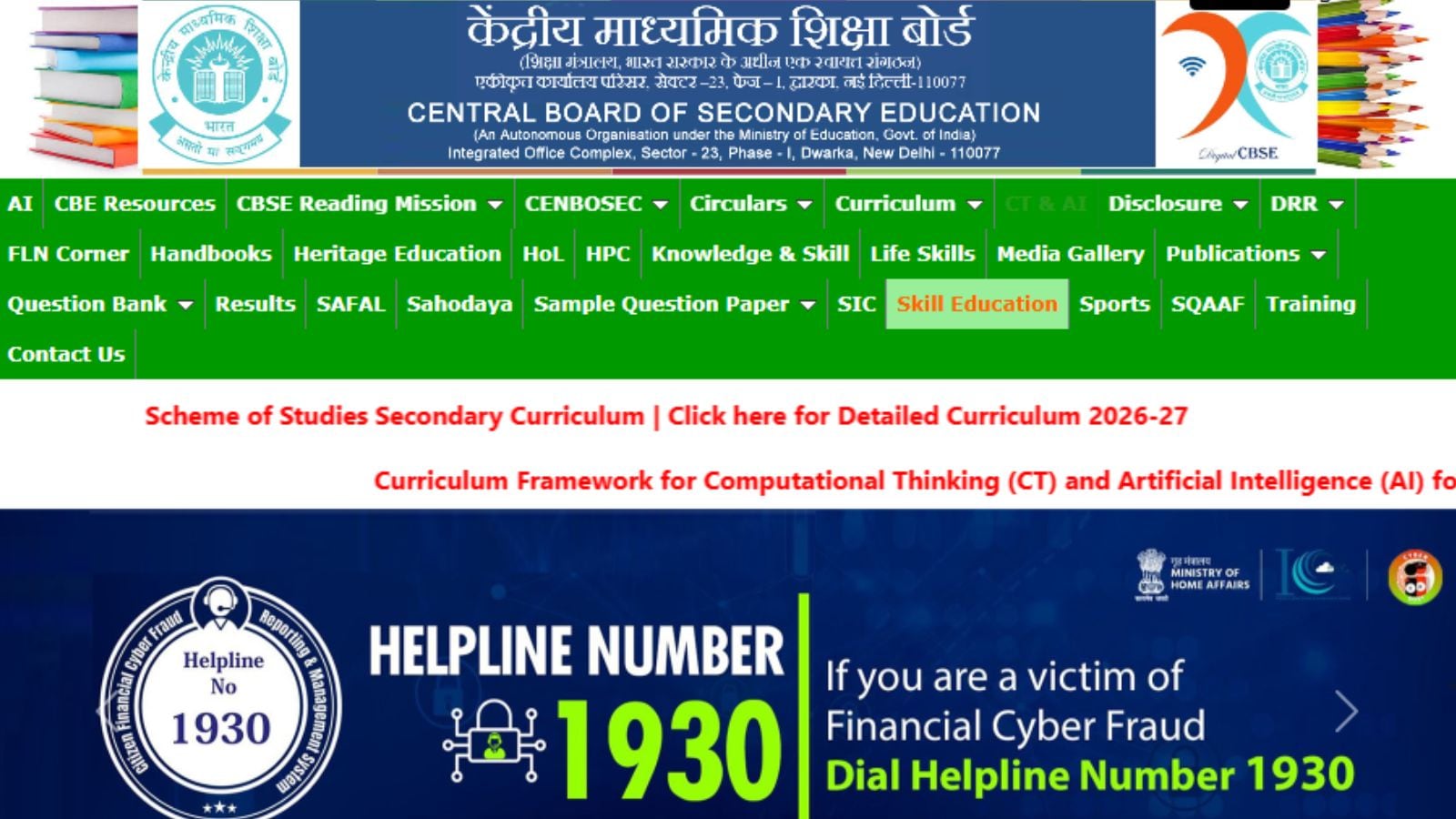
Method 1: Download Marksheet from CBSE Result Website
Visit the CBSE results website; Click on “Class XII Results 2026”; Enter your Roll Number, School Number and Admit Card ID; Click on “Submit.” Your result will appear on the screen. Download the marksheet PDF and save a copy. Take a printout for future use.
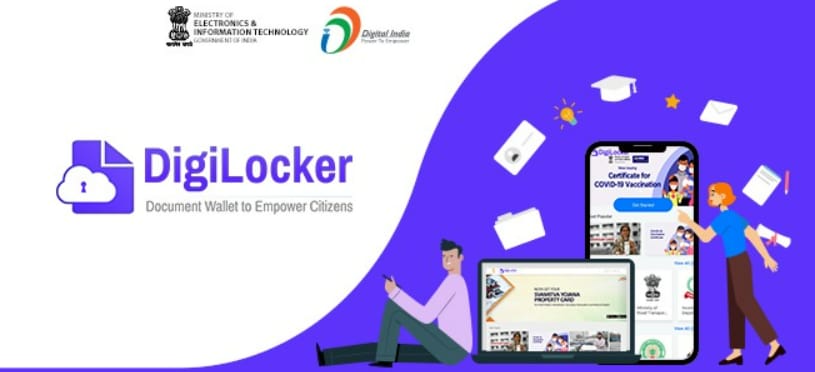
Method 2: Download Digital Marksheet from DigiLocker
Open DigiLocker website or app; Sign in using your registered mobile number.; Go to the “Issued Documents” section; Select CBSE; Enter your Roll Number and other required details. Your digital marksheet will be available for download. The DigiLocker version is a valid digital document and is accepted by most colleges and institutions.

Method 3: Check Result on UMANG App
Download and open the UMANG app; Search for “CBSE”; Select “Class 12 Result 2026”; Enter your credentials.; View and download your marksheet.

The online marksheet is provisional and can be used for immediate admissions and applications. Students should still collect their original hard-copy marksheets from their schools once they are issued.