
NIOS Class 10 Result 2026 Out at results.nios.ac.in; how to check and apply for re-evaluation | Education News
3 min readNew DelhiJun 14, 2026 04:00 PM IST
NIOS Class 10 Result 2026 Out: The National Institute of Open Schooling (NIOS) has announced the Class 10 (Secondary) results for the April-May 2026 public examinations. Students who appeared for the examination can now access their scorecards through the official NIOS result portal. The online marksheet contains subject-wise scores and other examination-related details.
Candidates will need their enrolment number to check the result. NIOS has advised students to download and retain a copy of the scorecard for future admission and academic purposes. The institute conducts examinations for open school learners across India and abroad through its Secondary and Senior Secondary programmes.
How to Check NIOS Class 10 Result 2026
Students can follow these steps to download their marksheet:
Step 1: Visit the official NIOS result portal.
Step 2: Click on the link for “Secondary (Class 10) April-May 2026 Examination Result”.
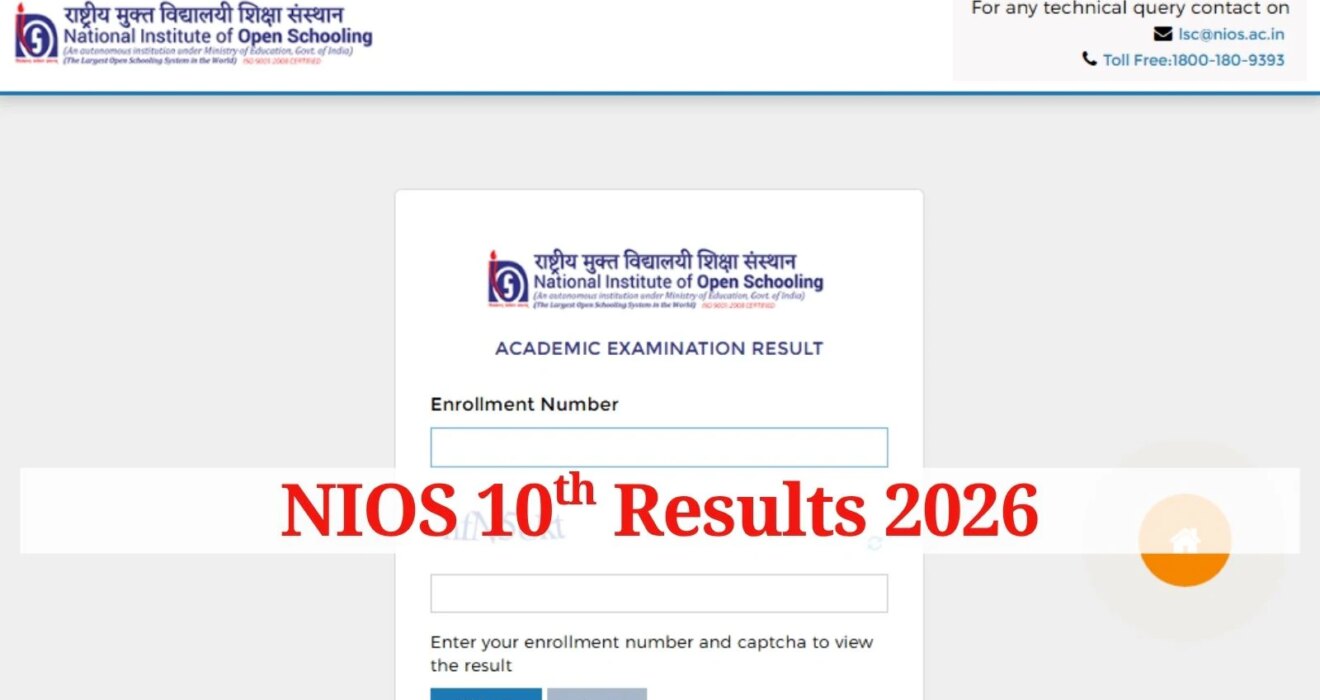
Step 3: Enter the enrolment number in the login window.
Step 4: Click on the submit button.
Step 5: The result will appear on the screen.
Step 6: Download and save the scorecard for future reference.
Re-evaluation window open till June 29
Students who are dissatisfied with their marks can apply for re-evaluation of their answer scripts. As per NIOS guidelines, requests for re-evaluation can be submitted online through the student portal within 15 days of the declaration of results. For the April-May 2026 examination, the last date to apply is June 29, 2026.
The re-evaluation facility allows candidates to request a fresh assessment of their answer scripts. Applications submitted after the prescribed deadline will not be considered.
Students who are not satisfied with their marks can apply for re-evaluation through the NIOS student portal. To do so, candidates must log in using their enrolment number and password, navigate to the examination services section, and select the re-evaluation option. They can then choose the subject or subjects for which they wish to seek a review, pay the prescribed fee online, and submit the application.
Story continues below this ad
After successful submission, students are advised to download and keep a copy of the acknowledgement receipt for future reference. As per the notification, the re-evaluation window for the April-May 2026 examination session will remain open till June 29, 2026.
NIOS is expected to release the outcome of re-evaluation applications after the review process is completed. Any changes in marks following re-evaluation will be updated in the revised result records.