
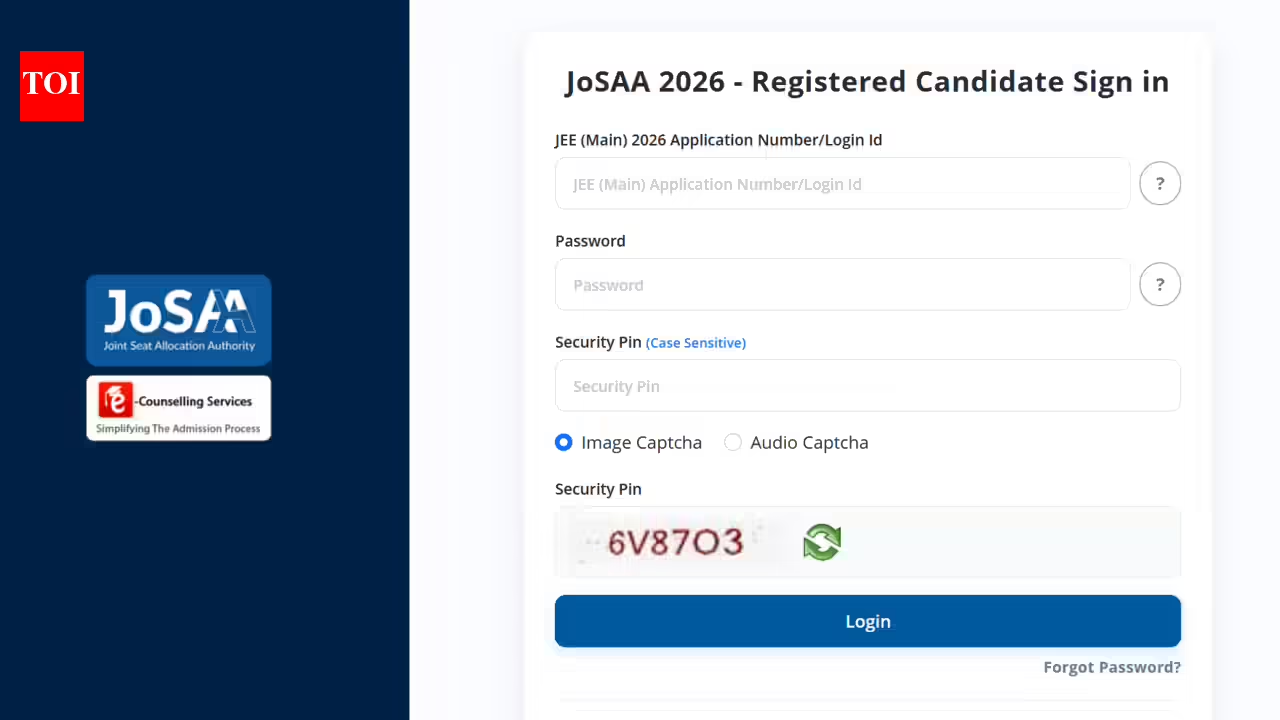
JoSAA counselling 2026 begins; choice filling opens for JEE Advanced qualified candidates: Check direct link here
The Joint Seat Allocation Authority (JoSAA) has begun the registration and choice-filling process for JoSAA Counseling 2026 on josaa.nic.in. Candidates need to do this to secure a spot in an IIT through the centralized seat allocation system. Using their application number and password, students can log in to the counselling portal. Aspirants can register until June 10, 2026, to lock their choices. Candidates need to use their application number and password, to access counselling portal. The counselling authority has made it clear that registration and choice filling are compulsory for all qualified candidates seeking admission to IITs through JoSAA 2026.
JoSAA counselling 2026 : Steps to register
Candidates can complete the process by following these steps:
- Go to the official JoSAA website, josaa.nic.in.
- Click on “Online Registration and Choice Filling for JoSAA 2026” under the Candidate Activity Board.
- Log in using the application number, password, and captcha code.
- Select preferred institutes and academic programmes.
- Lock the choices before the deadline.
- Submit the form and download the confirmation page.
Candidates can click on the link provided here to register for the JoSAA counselling 2026.JoSAA Counselling 2026 is the centralised admission process through which seats are allocated in IITs and several other top engineering institutes across the country. Candidates who have qualified JEE Advanced 2026 must register on the JoSAA portal and enter their preferred institute and course choices to participate in seat allotment. It is compulsory to take part in the process to get admission, and candidates will be able to make changes and finally submit their choices before the June 10 deadline.