
CUET UG 2026 Provisional Answer Key: Step-By-Step Process To Raise Objection By June 11 | Education and Career News
Last Updated:
CUET UG Answer Key Out: If any discrepancies are found, candidates can raise objections through the answer key challenge window till June 11 (up to 11:50 PM).




CUET UG 2026 answer key available at cuet.nta.nic.in.
The National Testing Agency (NTA) has released the provisional answer key for the Common University Entrance Test Undergraduate (CUET UG) 2026. Candidates can log in to the official portals exams.nta.ac.in or cuet.nta.nic.in to view their response sheets and provisional answers. If any discrepancy is found, candidates can submit objections through the answer key challenge window till June 11 (up to 11:50 PM).
Along with the answer key, NTA has also published the response sheets of candidates who appeared for CUET UG 2026. Below is the step-by-step process to raise objections:
CUET UG 2026 Answer Key: Step-by-step Process To Raise Objection
1. Visit the official website: cuet.nta.nic.in.
2. Click on the link ‘Challenge(s) regarding Answer Key’.
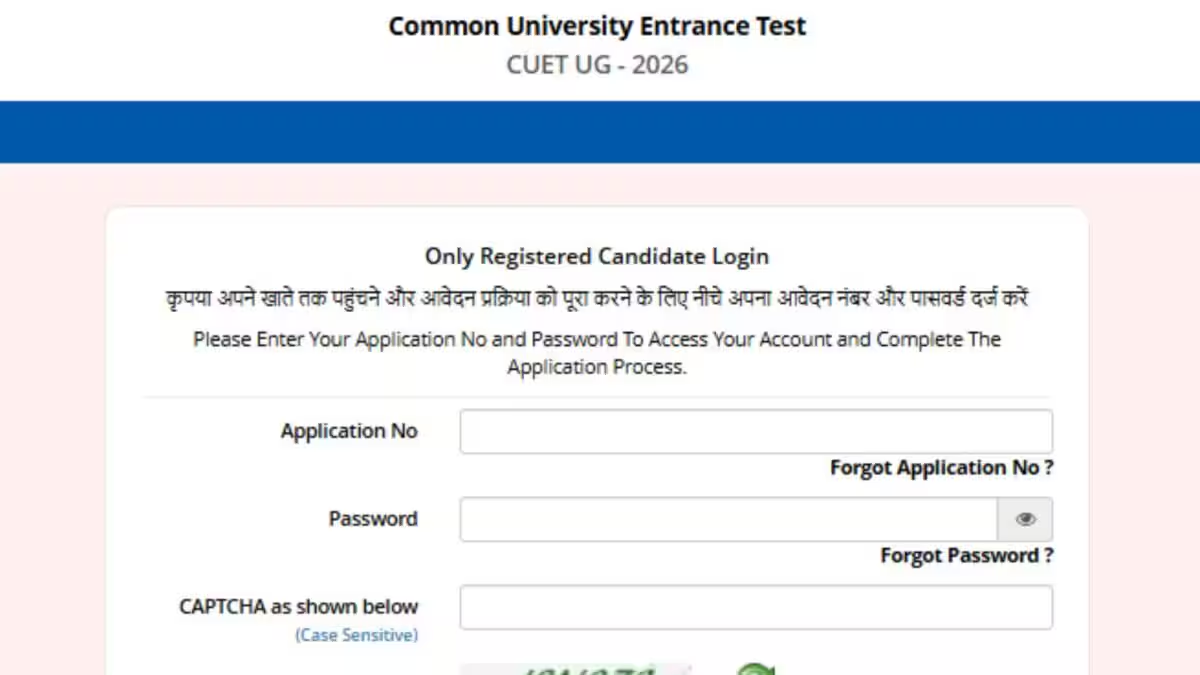
3. Log in using your Application Number and Password, enter the captcha, and submit.
4. Click on “View Question Paper” to check your marked/recorded responses. To view or challenge the Answer Keys, click on “Click to view/Challenge Answer Key”.
5. Note that the Question IDs in the Answer Key list are not in sequential order. Refer to your Question Paper and match the relevant Question IDs with those in the Answer Key.
6. The ID shown next to each question in the ‘Correct Option(s)’ column indicates the correct answer for that question.
7. If you want to challenge this option, select one or more Option IDs from the next four columns by ticking the checkbox.
8. You may upload supporting documents by clicking ‘Choose File’ and uploading them (all documents must be merged into a single PDF file).
9. After selecting your preferred option(s), scroll down, click ‘Submit and review Claims’, and proceed.
10. A list of all the Option IDs you have challenged will be displayed.
11. Click on ‘Modify your Claims’ if you wish to edit them, or click on ‘Final Submit’ to confirm.
12. After saving your claims, a screen displaying your challenges will appear.
13. Click on ‘Pay Now’ to pay the fee of Rs 200.
14. Submit the challenge and save a copy for future reference.
How To Calculate CUET UG 2026 Score?
To calculate your CUET UG 2026 score, follow the official marking scheme. For every correct answer, you will be awarded 5 marks, while 1 mark will be deducted for each incorrect response. No marks will be given for questions left unanswered or marked for review.
If more than one option is correct, candidates who select any one of the correct options will receive 5 marks. If all options are correct, all candidates who attempted the question will be awarded 5 marks. If a question is found to be incorrect or is dropped from the paper, 5 marks will be given to every candidate who attempted it. Your final score is calculated by adding all the marks for correct answers and subtracting the total negative marks for incorrect responses.
About the Author

A team of reporters, writers and editors brings you news, analyses and information on college and school admissions, board and competitive exams, career options, topper interviews, job notifications, …Read More
Read More