
Kerala Plus Two Roll Number Wise Result 2026: Steps To Download Marks Memo Using Registration Number | Education and Career News
Last Updated:
Kerala Plus Two Roll Number Wise Result 2026: After opening the result page, students need to enter their registration number and date of birth in the required fields.


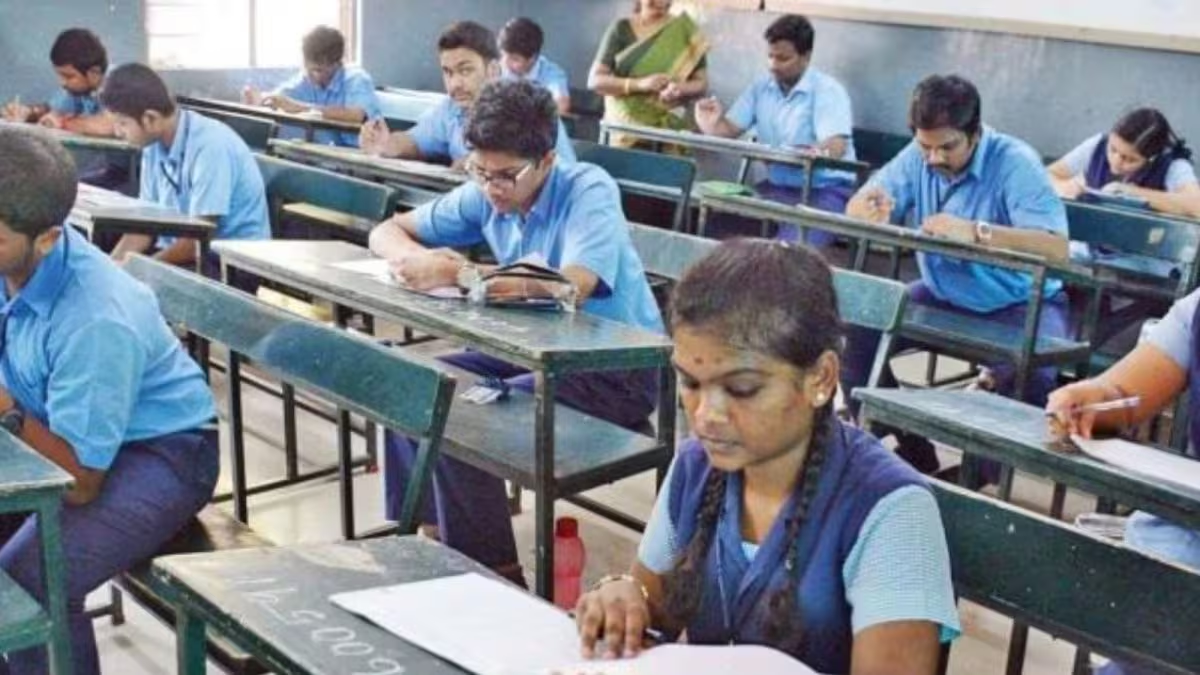
Kerala Board 12th results 2026 shortly on results.kite.kerala.gov.in. (Representational/File Photo)
The Kerala Plus Two Result 2026 will be announced online today, May 26 at 3 PM by the Directorate of Higher Secondary Education (DHSE), Kerala. Students can check their results using their registration number (roll number) and date of birth on the official result portals such as keralaresults.nic.in, dhsekerala.gov.in, and results.kite.kerala.gov.in, once out. These websites provide access to the provisional marks memo as soon as the results are declared.
Kerala DHSE Plus 2 Result 2026 LIVE
To download the marks memo, students must first visit any of the official websites and click on the link for ‘DHSE Kerala Plus Two Result 2026.’ After opening the result page, they need to enter their registration number and date of birth in the required fields. Without these details, they will not be able to access their scores online. Once the details are correctly filled in, they should click on the submit button to proceed.
Kerala Plus Two Roll Number Wise Result 2026: Steps To Download Marks Memo Using Registration Number
Step 1: Visit any official website — keralaresults.nic.in, dhsekerala.gov.in, or result.kite.kerala.gov.in
Step 2: Click on the link that says ‘DHSE Kerala Plus Two Result 2026’
Step 3: Enter your roll number/registration number and date of birth.
Step 4: Click submit to view your result on the screen.
Step 5: Download the mark sheet in PDF format.
Step 6: Keep a copy (digital or print) for college admissions and future reference.
After submission, the Kerala Plus Two marks memo will appear on the screen showing subject-wise marks and overall result status. Students should carefully verify all the details mentioned on the scorecard. They can then download the marks memo and take a printout or save it as a PDF for future reference and admission purposes.
If the official website is slow or not responding due to heavy traffic, students can also check their results through alternative methods such as SMS by sending “KERALA12 ” to 56263. They may also use mobile apps like SAPHALAM or PRD Live, or download the marksheet via DigiLocker. It is important to remember that the online marks memo is provisional, and the original marksheet must be collected from the school later.
Read More