
CBSE Class 12 Results 2026: Following DigiLocker, UMANG Claims, ‘Wait Is Almost Over’ | Education and Career News
Last Updated:
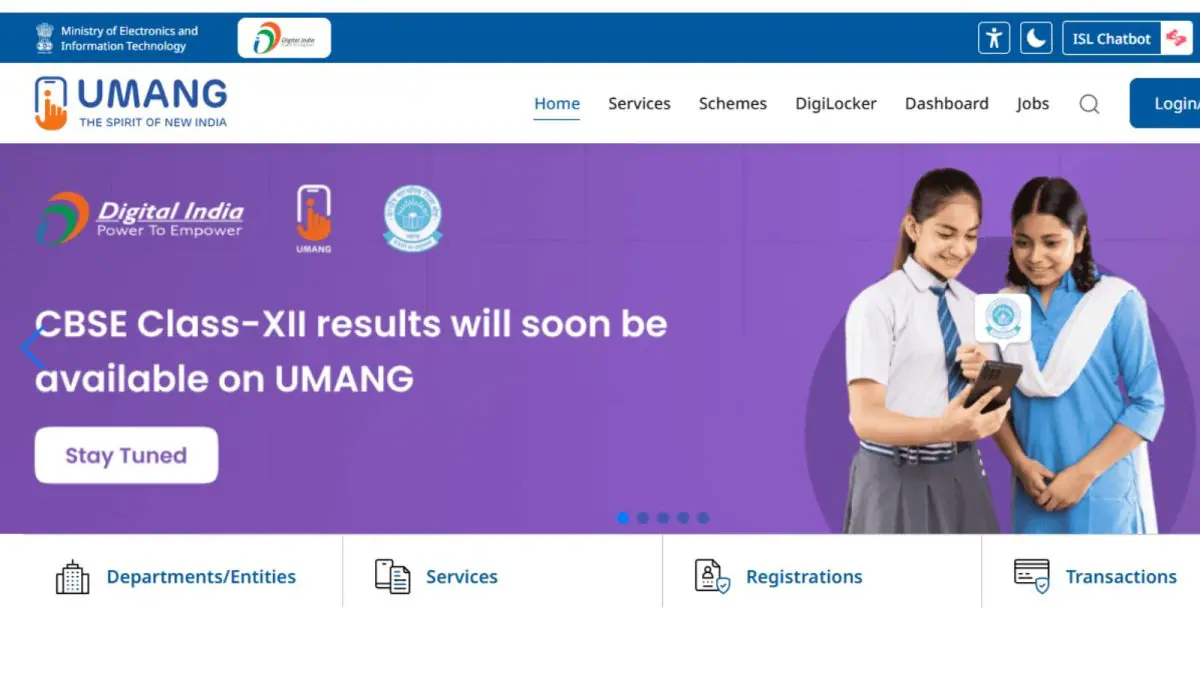
CBSE Class 12 result 2026: A post on X by UMANG reads, “The wait is almost over. Get ready to check your results on UMANG app.”




CBSE 12th results 2026 will be available at UMANG, cbse.gov.in.
The Central Board of Secondary Education (CBSE) is likely to announce the Class 12 Board exam results 2026 soon. A DigiLocker notice issued on Sunday stated that the results would be available shortly on its platform, and now the UMANG app has further heightened students’ anticipation.
CBSE 12th Result 2026 Official Release Date, Time LIVE
A post on X by UMANG reads, “The wait is almost over. Get ready to check your results on UMANG app.” Consecutive alerts from DigiLocker and UMANG, both official digital platforms linked with government services, have heightened expectations that the results may be announced soon.
This reminds of a similar pattern observed during the CBSE Class 10 result declaration earlier this year. The DigiLocker status for Class 10 results was updated on April 14, 2026, and the results were officially released on April 15 at around 4 PM. A similar trend is expected for class 12 results too. However, CBSE is yet to announce any official date and time of the results.
Where To Check CBSE 12th Results?
After the CBSE Class 12 board exam results 2026 are released, students will be able to check their scores on several official websites. These include:
– results.cbse.nic.in
– cbseresults.nic.in
– cbse.gov.in
After checking the result, students will have to collect their original mark sheet from the school later
How To Check CBSE 12th Results 2026 On DigiLocker?
Step 1: Visit the official website – digilocker.gov.in.
Step 2: Select your class.
Step 3: Provide the required details, including your school code, roll number and 6-digit security PIN (provided by your school).
Step 4: After filling in the details, click on “Next”.
Step 5: To verify the OTP sent to the registered mobile number, enter the OTP and click on “Submit” to proceed.
Once the process is complete and your details are confirmed, your DigiLocker account will be successfully activated.
Step 6: Click on “Go to DigiLocker account” to proceed to your account.
Step 7: Check for your documents, you will be able to find your CBSE Board Result 2025 there.
If you are already a registered DigiLocker user with your mobile number, simply click on “Go to DigiLocker account” after confirming your details.
How To Check CBSE 12th Result 2026 On UMANG App?
Step 1 – Install the UMANG app on your mobile from the Google Play Store or Apple App Store.
Step 2 – Once installed, register or log in with your mobile number. Linking your number with Aadhaar will simplify the login process.
Step 3 – In the app’s search bar, type ‘CBSE’ and choose the ‘CBSE Services’ option.
Step 4 – Tap on the ‘Class 12th Result’ option.
Step 5 – Enter your roll number and date of birth.
Step 6 – After entering all the details, click on the ‘Submit’ button.
Step 7 – Your subject-wise marks, overall percentage, and result status will appear on the screen.
Read More