
CBSE Result 2026 Class 12th Coming Out Today Or Not? Direct Link And Steps To Check From DigiLocker, UMANG APP | Education and Career News
Last Updated:
Once the CBSE Class 12 results are declared, students will be able to view and download their marksheets online by visiting the official website, results.cbse.nic.in.




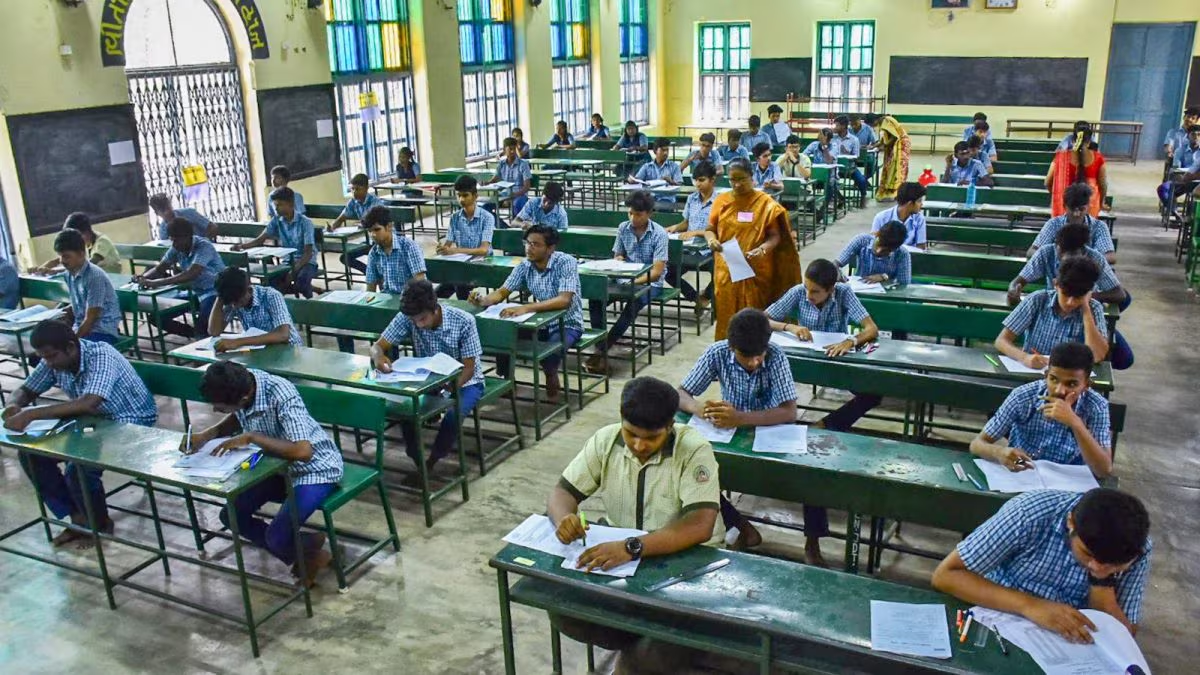
As per CBSE rules, students must score at least 33 per cent in each subject to pass. (File/Representative Image)
The Central Board of Secondary Education (CBSE) is expected to announce the Class 12 Board Exam 2026 results today, May 13. For the past two years, CBSE has declared the Class 12 results on May 13, so it is widely anticipated that the 2026 results will also be released on the same date.
CBSE Board Class 12 Results 2026 Live
A few weeks earlier, CBSE Controller of Examinations Sanyam Bhardwaj stated that the scorecards would likely be released in the third week of May 2026, in line with the pattern of the last two years. Therefore, students can expect their Class 12 results to be announced any time between May 11 and 17, 2026.
Furthermore, the UMANG app has announced via social media that the CBSE Class 12 Board Exam 2026 results will soon be available on its platform. The post reads, “CBSE 12th Board Results coming soon on the UMANG app. Stay connected for further announcements.” This has further heightened students’ anticipation. After the results are declared, students will be able to check their marksheets conveniently through the UMANG app.
DigiLocker has also posted on X, the microblogging site: “CBSE Class XII Results 2026 Coming Soon on DigiLocker Result Page!”
Once the Class 12 results are declared, students will be able to view and download their marksheets online by visiting the official CBSE websites: cbse.gov.in or results.cbse.nic.in. But there are other ways to check the 12th scores. Here’s how:
CBSE 12th Result 2026: How To Access Scorecard On DigiLocker?
Step 1 – Visit cbseservices.digilocker.gov.in
Step 2 – Click on “Get Started”
Step 3 – Enter your details and the Access Code given by your school
Step 4 – Verify your mobile number using the OTP
Step 5 – Your account will then be activated successfully
Step 6 – Login and select the board and class
Step 7 – Enter the required details
Step 8 – Hit submit and the CBSE 12th results will be shown on the screen shortly
CBSE 12th Result 2026: How To Download Scorecards On UMANG App?
Step 1 – Install the UMANG app on your mobile phone from the Google Play Store or Apple App Store.
Step 2 – After installation, register or sign in using your mobile number. Linking your number with Aadhaar will simplify the login process.
Step 3 – In the app’s search bar, type ‘CBSE’ and select ‘CBSE Services’.
Step 4 – Choose the ‘Class 12th Result’ option.
Step 5 – Enter your roll number and date of birth.
Step 6 – After entering all details, tap on the ‘Submit’ button.
Step 7 – Your subject-wise marks, overall percentage, and result status will be displayed on the screen.
Once the CBSE Class 12 results are declared, students who have concerns about their marks can use the board’s post-result services. These include verification of marks to identify any evaluation errors. Students may also obtain a photocopy of their verified answer sheet. If they remain dissatisfied, they can apply for re-evaluation. CBSE also generally offers compartment or supplementary exams for students who score low marks.
Read More